

Trusted by industry leaders









Meet Enez!
Let me tell you something
I've worked with all kinds of people and businesses over the years. Small teams. Big organizations. Government portals. Startups trying to find their footing.
And the thing I keep learning is this:
People aren't just paying for designs. They're trusting you to understand their problem... and actually solve it.
That's where I come in.
. . .
If you want a problem solver and not just a designer.
Let's talk
~Eneyeme Olowojoba









Services
Here is a list of my expertise
Product Design (UX/UI)
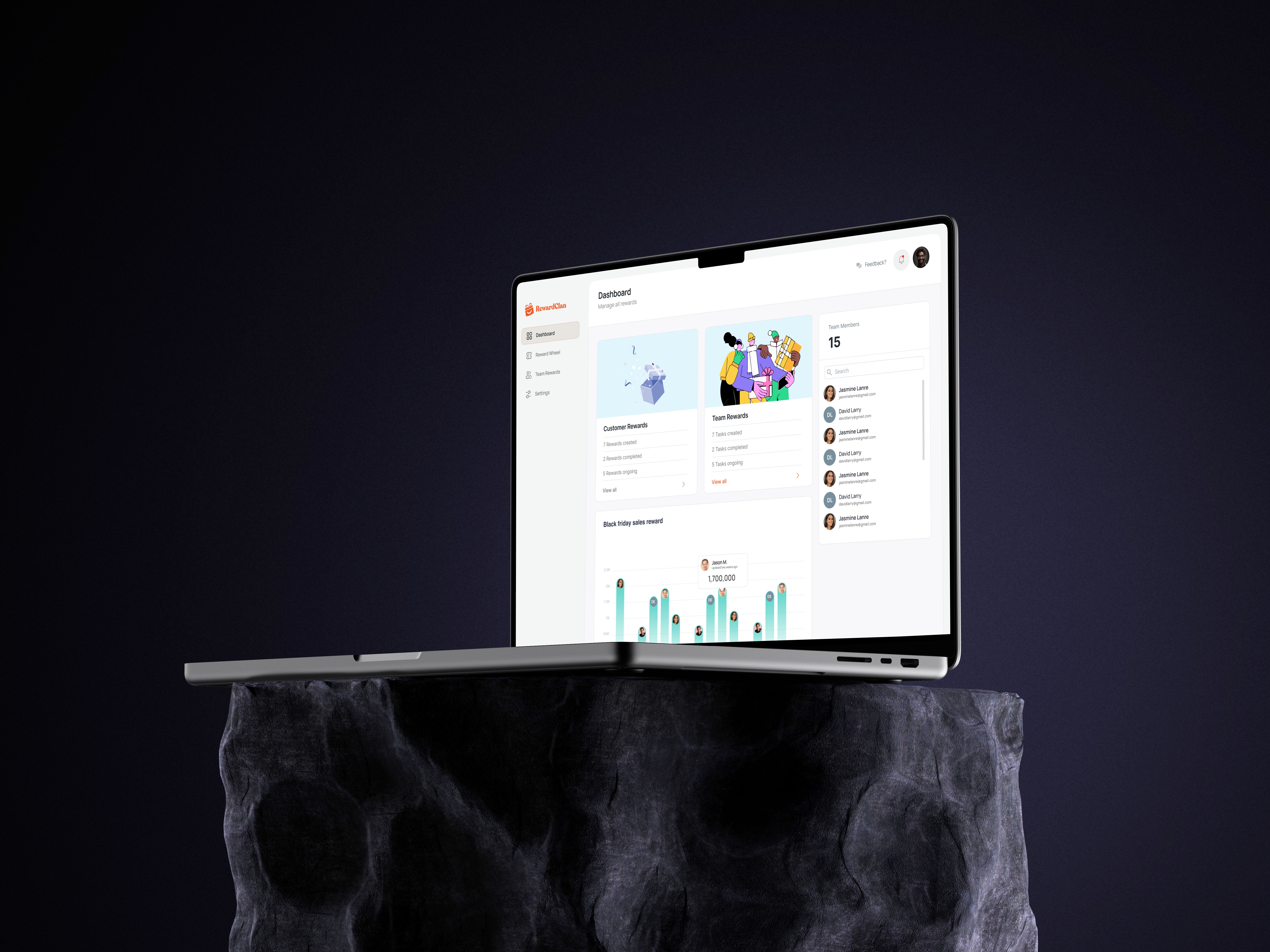
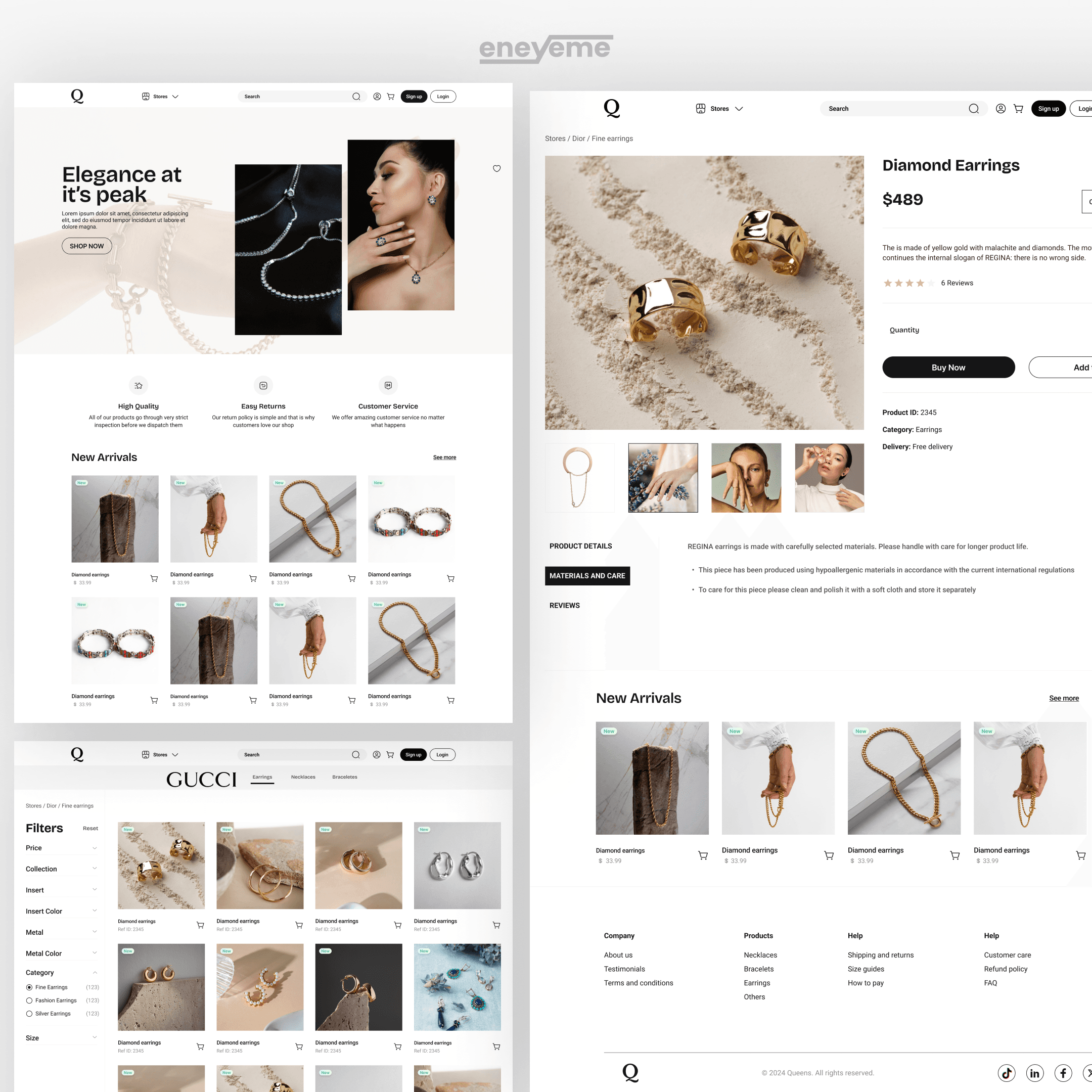
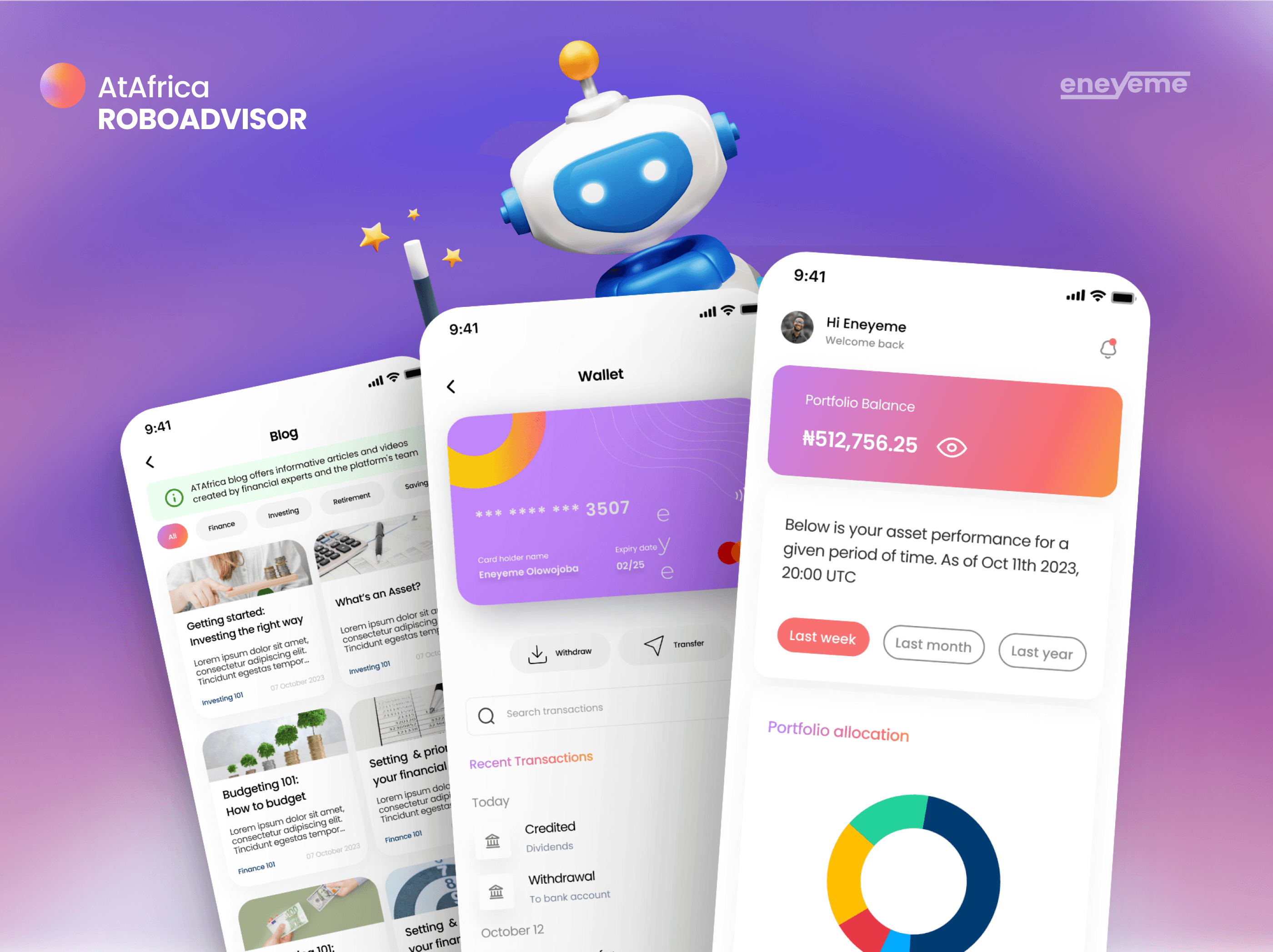
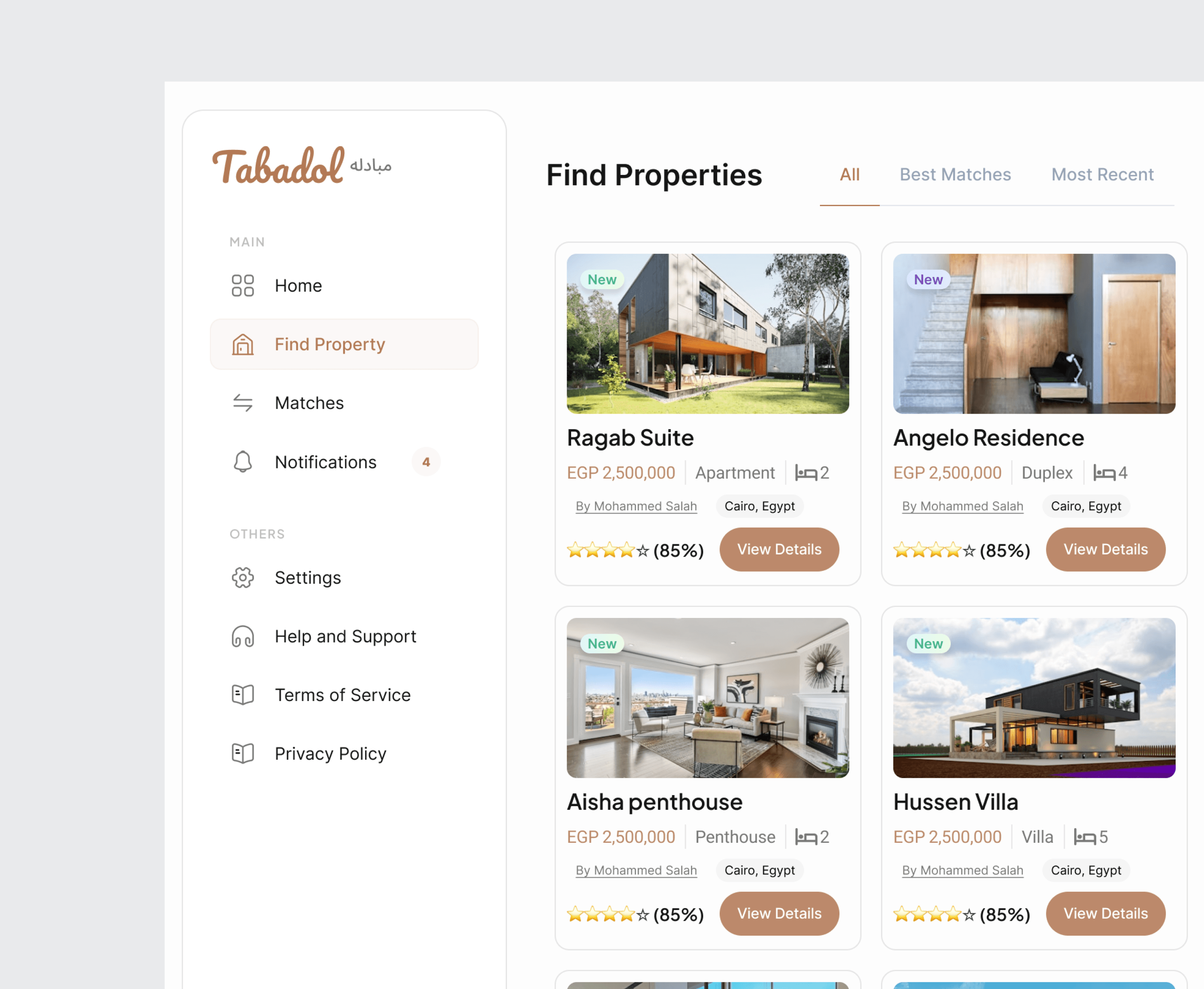
Ever used an app that just made sense? That’s what I design — products that feel smooth, easy, and enjoyable to use. No stress, no confusion, just clean design backed by real user insight.
Logo and Branding
Think of the brands you love, they’re unforgettable for a reason. I help you create that kind of connection with your audience. From your logo to your color story, your brand will speak for you even before you say a word.
Web Development
Ever visited a website that just feels right? That’s what I'll build for you, someething fast, beautiful, and easy-to-manage websites using Framer and other no-code tools.
Free Consultations
Not sure where to start? Let’s talk first for NO CHARGE. I’ll help you figure out what works best for your project before you spend a single dime.
Answers to Your Most Common Questions
What kind of projects do you take on?
To add a video to your site, click the “Insert” button and navigate to the “Media” section. Then, drag and drop a video component onto the Canvas.
Do you only design, or do you develop too?
To add a video to your site, click the “Insert” button and navigate to the “Media” section. Then, drag and drop a video component onto the Canvas.
Can you help with branding or graphic design?
To add a video to your site, click the “Insert” button and navigate to the “Media” section. Then, drag and drop a video component onto the Canvas.
What makes your design approach different?
To add a video to your site, click the “Insert” button and navigate to the “Media” section. Then, drag and drop a video component onto the Canvas.
What tools do you use?
To add a video to your site, click the “Insert” button and navigate to the “Media” section. Then, drag and drop a video component onto the Canvas.
Can you redesign an existing brand or product?
To add a video to your site, click the “Insert” button and navigate to the “Media” section. Then, drag and drop a video component onto the Canvas.
How long does it take to complete a project?
To add a video to your site, click the “Insert” button and navigate to the “Media” section. Then, drag and drop a video component onto the Canvas.
What if I’m not sure what I need yet?
To add a video to your site, click the “Insert” button and navigate to the “Media” section. Then, drag and drop a video component onto the Canvas.
What do you charge?
To add a video to your site, click the “Insert” button and navigate to the “Media” section. Then, drag and drop a video component onto the Canvas.
Can you work with remote teams or international clients?
To add a video to your site, click the “Insert” button and navigate to the “Media” section. Then, drag and drop a video component onto the Canvas.
What happens if I don’t like your work?
To add a video to your site, click the “Insert” button and navigate to the “Media” section. Then, drag and drop a video component onto the Canvas.
Do you offer retainer or long-term design support?
To add a video to your site, click the “Insert” button and navigate to the “Media” section. Then, drag and drop a video component onto the Canvas.